
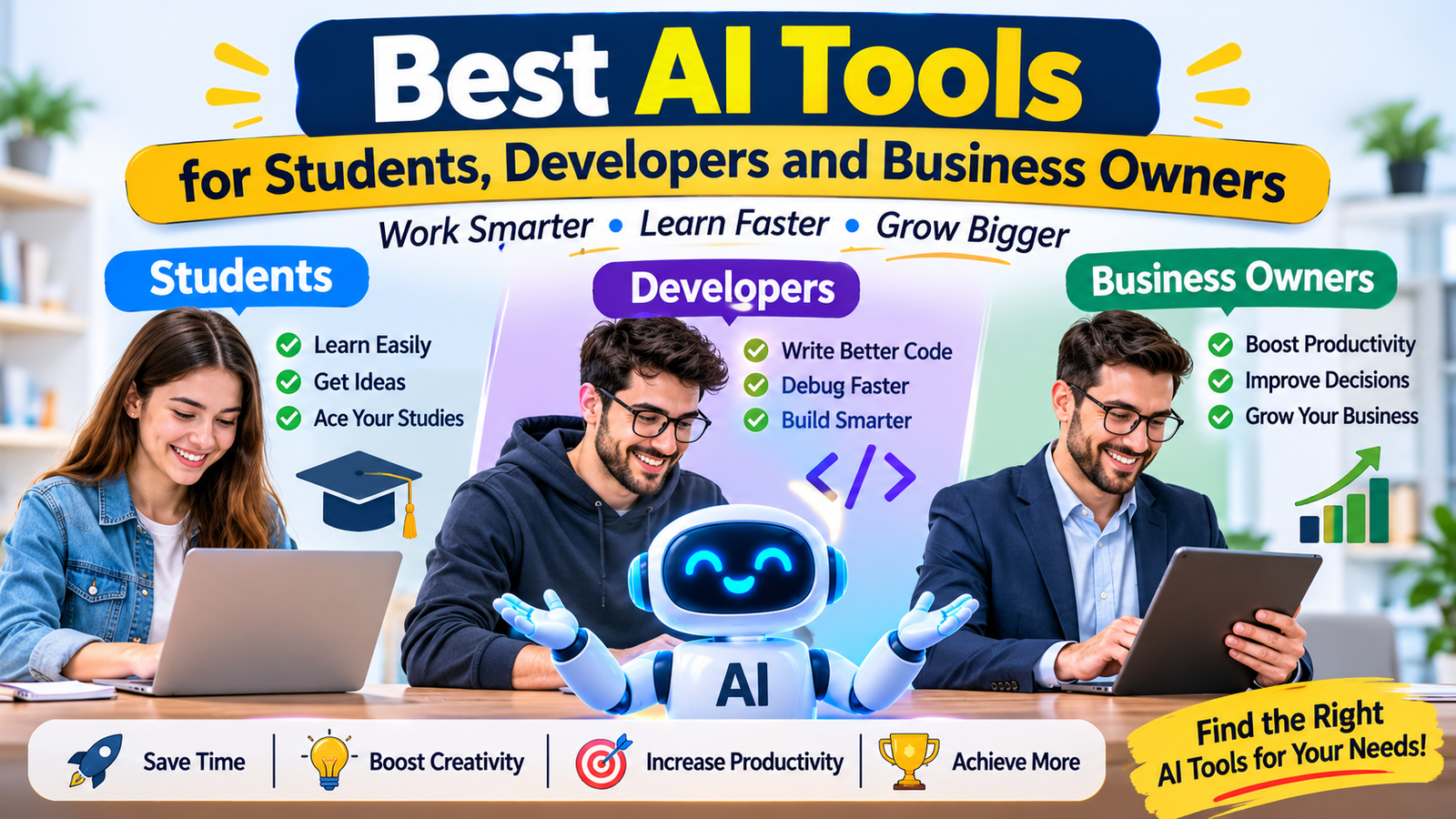
Work smarter, save time and achieve more with the power of Artificial Intelligence
Artificial Intelligence is changing the way we learn, work, create and run businesses. Tasks that once took hours can now be completed much faster with the help of the right AI tools.
Whether you are a student preparing for exams, a developer building software, or a business owner trying to grow your company, AI can make your daily work easier.
But with so many AI tools available, one question comes to mind: Which AI tools are actually worth using?
Don’t worry! In this guide, we will explore some of the most useful AI tools for students, developers and business owners. We will also explain what each tool does, how it can help and who should consider using it.
Let’s get started!
1. Best AI Tools for Students
Studying is not always easy. Students have to manage assignments, exams, research, presentations and many other responsibilities.
AI tools can make learning more organised and interactive. They can explain difficult topics, help with research and make revision easier.
Here are some useful AI tools for students.
1. ChatGPT – Your AI Study Partner
ChatGPT can help students understand difficult subjects, practise questions, brainstorm ideas and organise their study schedules.
What can students do with it?
- Understand complex topics in simple language.
- Create revision notes and practice quizzes.
- Get explanations of maths and science problems.
- Improve grammar and writing.
- Prepare for interviews and presentations.
Best for: Students who want an all-purpose learning assistant.
Website: https://chatgpt.com/
2. Google Gemini – A Helpful Learning Assistant
Google Gemini can help students explore topics, understand information, generate ideas and work with compatible Google services.
What can students do with it?
- Explore new topics and concepts.
- Brainstorm project ideas.
- Summarise information.
- Get help with writing and planning.
- Work with supported Google tools.
Best for: Students who use Google services and want help with everyday learning.
Website: https://gemini.google.com/
3. NotebookLM – Learn from Your Own Notes
NotebookLM is especially useful when students have study material, PDFs, notes or research documents.
You can add your sources and ask questions about the information inside them. It can help turn lengthy material into easier study resources.
What can students do with it?
- Summarise study documents.
- Ask questions about uploaded notes.
- Create study guides.
- Understand lengthy reading material.
- Organise information for revision.
Best for: Students who work with PDFs, textbooks, lecture notes and research material.
Website: https://notebooklm.google.com/
4. Grammarly – Improve Your Writing
Good writing is important for assignments, emails, reports and professional communication.
Grammarly helps users improve spelling, grammar, clarity and writing style.
What can students do with it?
- Check grammar and spelling.
- Improve sentence clarity.
- Make writing easier to understand.
- Review emails and reports.
- Receive suggestions about tone.
Best for: Students who want to improve their English writing skills.
Website: https://www.grammarly.com/
5. Canva – Create Attractive Presentations
Presentations and visual projects are a regular part of student life. Canva makes it easier to create designs without advanced graphic design skills.
What can students create?
- School and college presentations.
- Posters and infographics.
- Project covers.
- Resumes and portfolios.
- Social media designs.
Best for: Students who want to create professional-looking visual content.
Website: https://www.canva.com/
2. Best AI Tools for Developers
Software development requires problem-solving, creativity and continuous learning. Developers often spend hours writing code, fixing errors, testing applications and reading documentation.
AI coding tools can support these tasks and help developers work more efficiently. However, generated code should always be reviewed and tested.
Here are some useful AI tools for developers.
1. GitHub Copilot – Your AI Coding Assistant
GitHub Copilot helps developers write code, understand programming concepts and complete repetitive coding tasks.
It can suggest code while you work inside supported development environments.
What can developers do with it?
- Get code suggestions.
- Generate code from instructions.
- Understand unfamiliar code.
- Write tests and documentation.
- Find possible solutions to coding problems.
Best for: Developers who want AI assistance inside their coding workflow.
Website: https://github.com/features/copilot
2. Cursor – An AI-Powered Code Editor
Cursor is a code editor designed to make AI-assisted software development easier.
It can help developers understand codebases, make changes across files and work through programming tasks.
What can developers do with it?
- Ask questions about their code.
- Generate and edit code.
- Understand project structure.
- Find and fix potential bugs.
- Make changes across multiple files.
Best for: Developers who want an AI-focused coding environment.
Website: https://cursor.com/
3. Claude – Useful for Coding and Problem-Solving
Claude can help developers think through programming challenges, review code and understand technical concepts.
It is also useful when developers need help explaining complex logic or planning a software project.
What can developers do with it?
- Explain code in simple language.
- Review code and suggest improvements.
- Help debug errors.
- Create technical documentation.
- Discuss software architecture and solutions.
Best for: Developers who need help with reasoning, code explanations and technical writing.
Website: https://claude.ai/
4. Replit – Build and Experiment with Applications
Replit provides an online development environment where users can write, run and share code. Its AI features can assist with building and improving projects.
What can developers do with it?
- Build and test small applications.
- Experiment with programming languages.
- Create prototypes.
- Collaborate on projects.
- Learn by building practical examples.
Best for: Beginners, students and developers who want to experiment with coding online.
Website: https://replit.com/
5. Perplexity – Research Technical Topics
Developers regularly need to research programming languages, libraries, frameworks and new technologies.
Perplexity can help explore topics and provide answers with links to sources.
What can developers do with it?
- Research programming concepts.
- Explore new technologies.
- Find useful documentation and references.
- Compare tools and frameworks.
- Discover information for technical projects.
Best for: Developers who want to research technical topics and investigate sources.
Website: https://www.perplexity.ai/
3. Best AI Tools for Business Owners
Running a business involves many responsibilities. Business owners need to manage customers, marketing, sales, communication, planning and daily operations.
AI tools can help reduce repetitive work and give business owners more time to focus on customers and business growth.
Here are some useful AI tools for business owners.
1. ChatGPT – Your Everyday Business Assistant
ChatGPT can support many everyday business activities, from writing emails to brainstorming marketing ideas.
What can business owners do with it?
- Write professional emails.
- Create marketing content.
- Brainstorm business ideas.
- Prepare product descriptions.
- Draft business plans and reports.
- Organise tasks and workflows.
Best for: Small business owners, freelancers, startups and entrepreneurs.
Website: https://chatgpt.com/
2. Microsoft Copilot – Work Smarter with Microsoft Tools
Microsoft Copilot can assist with everyday productivity and, depending on the version and subscription, work within Microsoft applications.
What can business owners do with it?
- Draft and improve documents.
- Summarise information.
- Prepare presentations.
- Analyse supported data.
- Organise workplace tasks.
Best for: Businesses that already use Microsoft 365 and compatible services.
Website: https://www.microsoft.com/microsoft-copilot
3. Canva – Marketing and Brand Design Made Easier
Every business needs attractive visuals to connect with customers. Canva helps business owners create marketing materials without hiring a designer for every small task.
What can business owners create?
- Social media posts.
- Business presentations.
- Advertisements and banners.
- Product promotions.
- Flyers and brochures.
- Brand-related visual content.
Best for: Entrepreneurs, small businesses and marketing teams.
Website: https://www.canva.com/
4. Zapier – Automate Repetitive Tasks
Many businesses use different apps for emails, customer information, forms and project management.
Zapier connects supported applications and helps automate workflows between them.
What can business owners do with it?
- Connect different business apps.
- Automate repetitive tasks.
- Move information between services.
- Create automated notifications.
- Reduce manual data entry.
Best for: Business owners who want to save time on routine processes.
Website: https://zapier.com/
5. Notion – Organise Your Business and Projects
Notion helps teams and individuals manage notes, projects, tasks and internal information. Its AI features can also assist with working with content.
What can business owners do with it?
- Organise daily tasks.
- Manage project information.
- Create business documents.
- Maintain team knowledge.
- Plan goals and activities.
Best for: Startups, freelancers and teams that need an organised workspace.
Website: https://www.notion.com/
4. Quick Comparison: Which AI Tool Should You Choose?
Different tools are designed for different tasks. This simple comparison can help you choose a starting point.
| Your Goal | Recommended AI Tools |
| Study and understand topics | ChatGPT, Gemini |
| Work with study notes and PDFs | NotebookLM |
| Improve writing | Grammarly, Claude |
| Create presentations and designs | Canva |
| Write and understand code | GitHub Copilot, Claude |
| Work in an AI-powered code editor | Cursor |
| Build online coding projects | Replit |
| Research information | Perplexity |
| Automate business tasks | Zapier |
| Organise projects and notes | Notion |
| Improve office productivity | Microsoft Copilot |
Remember, these are suggested starting points, not fixed rankings. The best choice depends on your goals, budget and preferred way of working.
5. Are Free AI Tools Good Enough?
One of the biggest questions people ask is whether they need to pay for AI tools.
The good news is that many popular AI platforms offer free access or free plans. These can be useful for learning, experimenting and completing everyday tasks.
However, free plans may have limitations, such as:
- Daily or monthly usage limits.
- Restricted access to advanced features.
- Limits on file uploads or image generation.
- Fewer integrations or collaboration features.
Our suggestion: Start with free plans. Understand which features you actually need before paying for a subscription. Always check the official website for current plans, availability and conditions in your country.
6. How to Use AI Tools Smartly
AI can be extremely helpful, but using it correctly is important.
Here are a few simple tips:
1. Give clear instructions.
The more clearly you explain your task, the more useful the response is likely to be.
2. Check important information.
AI can make mistakes. Always verify facts, calculations, references and technical answers.
3. Use AI to improve your skills.
Ask it to explain a topic, review your work or give you practice questions instead of depending on it for every answer.
4. Protect your privacy.
Avoid uploading passwords, confidential business documents, personal customer information or sensitive data unless you understand the platform’s privacy and data-use settings.
5. Follow your institution or workplace rules.
Students should follow academic policies, while employees and business owners should follow their organisation’s rules for AI use.
6. Keep your human creativity.
AI can generate ideas, but your experience, judgement and original thinking make the final work valuable.
7. Final Verdict: Which AI Tools Are Best for You?
There is no single AI tool that is perfect for everyone. The right choice depends on what you want to achieve.
- For students: Start with ChatGPT, NotebookLM and Canva. Add Grammarly if you want writing support.
- For developers: Explore GitHub Copilot, Cursor and Claude. Choose the tools that fit your coding workflow.
- For business owners: Try ChatGPT, Canva, Microsoft Copilot and Zapier to support everyday business tasks.
You do not need to use every AI tool available. Start with two or three that solve your biggest problems and learn how to use them properly.
Conclusion
Artificial Intelligence is not just a technology for the future. It is already helping people study, build software, create content and manage businesses.
For students, AI can make learning more organised. For developers, it can support coding and problem-solving. For business owners, it can help improve productivity and manage repetitive work.
The real advantage does not come from using the most AI tools. It comes from choosing the right tools and using them wisely.
Start small, keep learning and let AI support your ideas—not replace your thinking.
The future belongs to people who know how to combine technology with creativity, knowledge and human judgement.
Frequently Asked Questions (FAQs)
1. What are the best AI tools for beginners?
ChatGPT, Google Gemini and Canva are good starting points because they can help with a wide range of everyday tasks. Start with the free options and explore their features.
2. Which AI tools are useful for students?
Students can explore ChatGPT for explanations, NotebookLM for working with study material, Grammarly for writing feedback and Canva for presentations.
3. Which AI tools are best for developers?
GitHub Copilot, Cursor and Claude are useful options for coding assistance, code explanations, debugging support and software development tasks.
4. Can AI tools help small businesses?
Yes. AI tools can help small businesses with content creation, customer communication, research, planning and workflow automation. Human review is still important.
5. Are AI tools free to use?
Many AI tools offer free plans, but features and usage limits vary. Check the official websites for the latest details.
6. Can AI replace students, developers or business owners?
AI can automate or assist with certain tasks, but it does not replace human understanding, creativity, responsibility or decision-making. People who learn to use AI effectively can make it a valuable part of their work.
Editorial note: This article is for general information. AI products, features, pricing and availability can change over time and may differ by country. Check official product websites before making a decision.
About the Author