
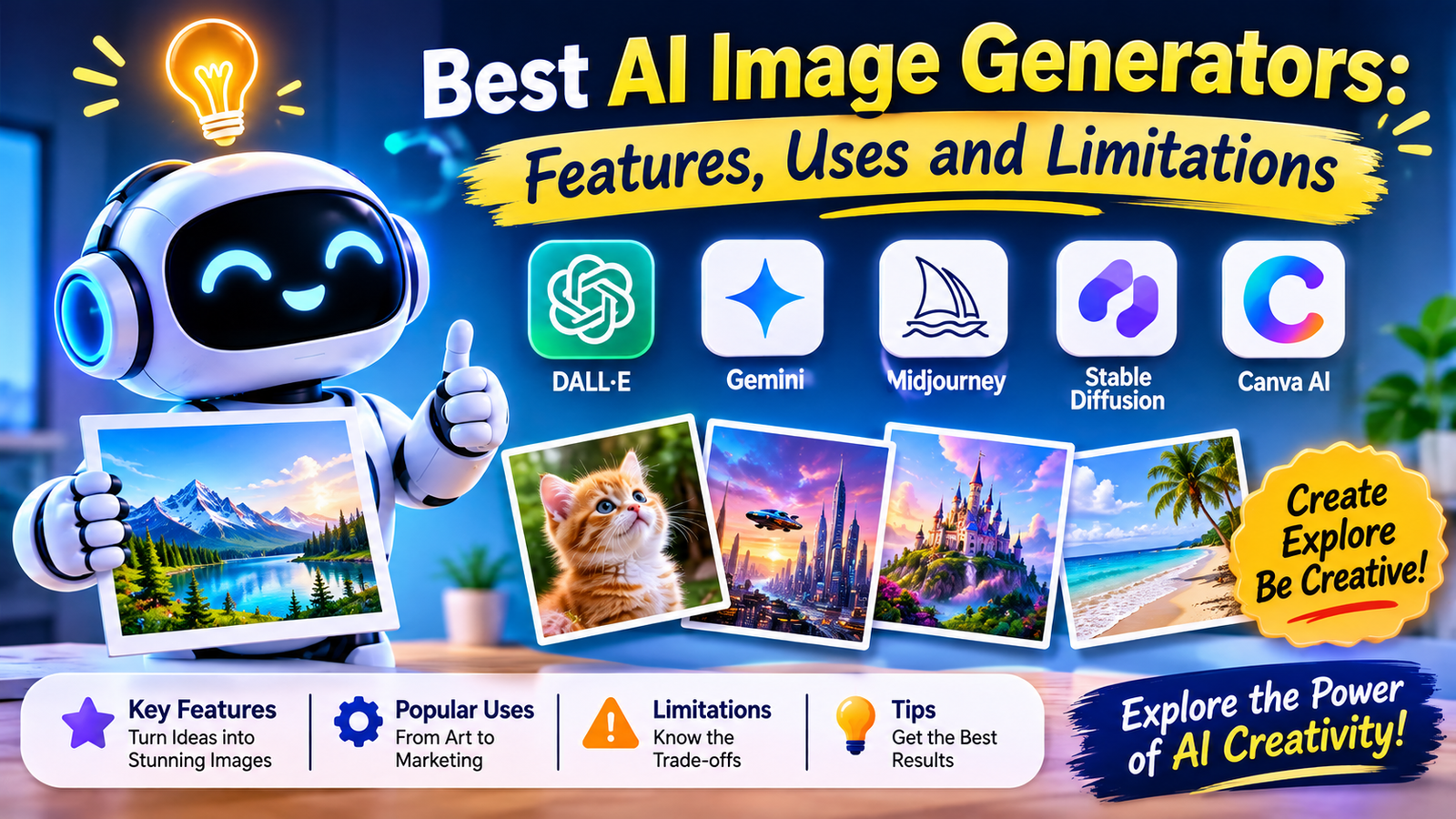
Imagine turning a simple sentence into a beautiful photograph, creating a fantasy world without a camera, or designing a product advertisement without hiring a full design team.
Sounds exciting, right?
That is the power of AI image generators.
Artificial Intelligence has opened a new door for artists, bloggers, business owners, students, designers, and everyday creators. Today, you do not always need advanced drawing skills or expensive design software to bring an idea to life. You can describe what you imagine, and an AI tool can turn your words into an image.
But with so many tools available, choosing the right one can feel confusing.
Some tools are great for artistic images. Others are better for editing photographs, creating marketing graphics, or designing pictures with text. And, of course, every tool has limitations.
In this guide, we will explore some of the popular AI image generators, what makes each one useful, where you can use them, and what you should know before choosing one.
What Is an AI Image Generator?
An AI image generator is a tool that creates or edits images using artificial intelligence.
You provide a written description called a prompt. The tool interprets your instructions and produces an image based on them.
For example, you could type:
“Create a realistic photograph of a small wooden house beside a lake, surrounded by green mountains during sunrise. Use soft natural lighting and a peaceful atmosphere.”
The AI uses your description to create a visual interpretation of the scene.
Depending on the tool, you may also be able to upload an existing photograph, change its background, remove objects, add new elements, or create different versions of the same design.
The best part? You can experiment with ideas without needing to be a professional artist.
1. ChatGPT Images – A Simple Way to Turn Ideas into Pictures
ChatGPT Images is a convenient option for people who want to create images through everyday conversation.
You can describe an idea in simple language, generate an image, and then request changes. For example, you can ask for a different background, lighting, colour, or composition.
Key features:
- Creates images from written descriptions.
- Supports image editing through follow-up instructions.
- Can help create illustrations, posters, banners, and visual concepts.
- Supports different image shapes and aspect ratios.
- Allows users to work through a conversational process.
Best uses:
- Blog featured images.
- Social media graphics.
- Educational illustrations.
- Creative concepts.
- Posters and promotional visuals.
Limitations:
The result may not match every detail of your imagination on the first attempt. Small design details, precise layouts, and text-heavy graphics should be checked carefully. Editing can also change areas you wanted to keep.
Explore: https://chatgpt.com/
2. Google Gemini – Useful for Image Creation and Editing
Google Gemini is another popular option for people who want to create and transform images using written instructions.
Its image-generation experience includes tools and models from Google’s Nano Banana family. Users can describe a new image or upload an existing picture and request changes.
For example, you could upload a photograph of a room and ask the AI to show how it might look with different furniture, wall colours, or decorations.
Key features:
- Creates images from text prompts.
- Supports editing of uploaded images.
- Can combine visual elements from different images.
- Supports conversational improvements.
- Offers creative transformations and visual experiments.
Best uses:
- Changing photo backgrounds.
- Exploring interior design ideas.
- Creating characters and illustrations.
- Developing visual concepts.
- Editing personal or creative photographs.
Limitations:
Some results may contain visual errors or unexpected changes. Keeping a character or object perfectly consistent across several images can still be challenging. Access, image limits, and available features may vary by country and subscription.
Explore: https://gemini.google.com/
3. Midjourney – A Favourite for Artistic and Creative Images
If you enjoy visually rich, imaginative, and artistic pictures, Midjourney is worth exploring.
It is widely used by creative professionals and enthusiasts who want to experiment with different visual styles, dramatic lighting, fantasy scenes, and detailed compositions.
Imagine creating a cinematic image of a futuristic city, a magical forest, or a fashion concept that looks like it belongs in a creative magazine.
Key features:
- Strong artistic and visual styles.
- Detailed lighting and textures.
- Creative image variations.
- Personalisation and moodboard features.
- Tools to organise and explore generated images.
Best uses:
- Digital artwork.
- Fantasy and science-fiction concepts.
- Character design.
- Creative advertising.
- Inspiration for visual storytelling.
Limitations:
It may take time to learn how to write effective prompts and control the final appearance. Results can be less predictable when you need exact brand layouts or precise product details. Check the current subscription and image-visibility settings before using it for professional work.
Explore: https://www.midjourney.com/
4. Adobe Firefly – Helpful for Professional Design Workflows
Adobe Firefly is designed to support creative work, including image generation and editing.
It is particularly interesting for people who already use Adobe products or want to combine AI-generated elements with a larger design process.
For example, you could generate a background, expand a photograph, or add and remove objects while developing a marketing design.
Key features:
- AI image generation.
- Generative editing tools.
- Integration with Adobe creative workflows.
- Tools for adding or removing image elements.
- Support for creative production tasks.
Best uses:
- Marketing materials.
- Product concepts.
- Photo editing.
- Advertising visuals.
- Creative projects for businesses.
Limitations:
Some features require a paid plan or credits. The available tools and usage conditions can vary. Although Adobe positions its own Firefly models around commercially suitable training sources, users should still review the terms for the specific feature or model they use.
Explore: https://firefly.adobe.com/
5. Ideogram – Worth Trying for Images with Text
Creating an attractive image is one thing. Getting the words inside that image right is another.
This is where Ideogram can be useful. It is worth considering when your project involves posters, promotional graphics, headlines, or other designs where written text is an important part of the visual.
Key features:
- Text-focused image creation.
- Poster and graphic design possibilities.
- Different visual styles.
- Prompt-based creative generation.
- Image variations for exploring design ideas.
Best uses:
- Posters.
- Event announcements.
- Promotional graphics.
- Creative typography.
- Social media visuals.
Limitations:
Text accuracy is not guaranteed. You should carefully check spelling, punctuation, spacing, and layout before publishing. Detailed designs may still need manual finishing in a design editor.
Explore: https://ideogram.ai/
6. Canva AI – Convenient for Everyday Design
Canva is popular with people who want to create attractive designs without spending a long time learning professional design software.
Its AI-powered features can help users generate visual ideas and bring them into a larger design project.
Instead of creating an image and stopping there, you can use Canva’s design environment to develop social media posts, presentations, flyers, and other materials.
Key features:
- AI-assisted design tools.
- Templates for common design projects.
- Text and image editing.
- Layout and design elements.
- A workflow for creating finished visual materials.
Best uses:
- Instagram and Facebook posts.
- Presentations.
- Flyers and invitations.
- Business promotions.
- Simple marketing materials.
Limitations:
Some features and design assets may require a paid subscription. AI-generated results may need editing to match your brand, and template-based designs can look similar to other content if you do not personalise them.
Explore: https://www.canva.com/
Quick Comparison: Which AI Image Generator Should You Try?
| Tool | A useful choice for | Main strength |
| ChatGPT Images | Beginners and general creators | Conversational creation and editing |
| Google Gemini | Image creation and transformation | Editing with natural instructions |
| Midjourney | Artists and creative professionals | Artistic visual styles |
| Adobe Firefly | Designers and businesses | Creative editing workflows |
| Ideogram | Posters and text-based graphics | Text-focused image creation |
| Canva AI | Everyday content creators | Design and layout workflow |
There is no single winner for every situation. The right choice depends on what you want to create, how much control you need, and which workflow feels comfortable.
Where Can You Use AI-Generated Images?
AI images are not limited to digital art. They can be useful in many areas of everyday life and business.
1. Blogging and Website Content
Bloggers can create original visual concepts for articles, tutorials, landing pages, and website banners.
A relevant image can make an article more attractive and help explain a topic.
2. Social Media Marketing
Content creators can experiment with graphics for social media campaigns, promotional posts, announcements, and visual storytelling.
3. Education and Learning
Teachers and students can create illustrations, diagrams, and visual examples that make difficult topics easier to understand.
4. Business and Advertising
Businesses can explore product concepts, campaign ideas, promotional backgrounds, and creative advertising visuals.
For actual product photography, however, generated images should not misrepresent the real product.
5. Personal Creativity
You can experiment with travel scenes, room designs, greeting cards, fantasy artwork, character concepts, and many other ideas.
AI image generation gives people a new way to explore their imagination.
The Limitations of AI Image Generators You Should Know
AI image generators can be impressive, but they are not perfect. Understanding their weaknesses helps you use them more responsibly.
1. Images may contain mistakes
AI can produce unusual hands, distorted objects, incorrect details, or unrealistic backgrounds.
2. Text may not be accurate
Words inside an image can contain spelling mistakes or strange letter shapes. Always proofread important text.
3. Results may not match your prompt
Even detailed instructions may produce unexpected results. You may need several attempts to get the image you want.
4. Consistency can be difficult
Keeping the same person, character, product, or design style across a large collection of images can require careful editing and reference images.
5. Costs and usage limits can change
Some platforms offer free access with restrictions, while others require subscriptions or credits. Check the current plan before starting a large project.
6. Copyright and usage rights need attention
Do not assume every AI-generated image is automatically free for every purpose. Review the platform’s terms, local copyright rules, and any relevant rights involving reference images, logos, trademarks, or real people.
7. Privacy matters
Avoid uploading confidential documents, private photographs, or sensitive business information unless you understand the platform’s privacy settings and have permission to use the material.
How to Get Better Results from AI Image Generators
You do not need complicated technical language to create a good image. A well-planned description can make a big difference.
Try including these six details in your prompt:
- Subject: What should appear in the image?
- Setting: Where should the scene take place?
- Style: Should it look like a photograph, painting, illustration, or 3D artwork?
- Lighting: Should the scene be bright, soft, dramatic, or natural?
- Composition: Should it be a close-up, portrait, or wide landscape?
- Purpose: Is the image for a blog, poster, advertisement, or presentation?
Example of a simple AI image prompt
“Create a realistic wide landscape photograph of a peaceful tropical beach at sunrise. Include palm trees, clear blue water, soft golden sunlight, and a few clouds. Use natural colours, professional travel photography style, and a clean composition suitable for a travel blog banner.”
You can then improve the result by asking for specific changes.
For example:
“Make the sky warmer, keep the beach natural, and leave some empty space on the left for a title.”
The key is to start with a clear idea and improve it step by step.
How to Choose the Right AI Image Generator
Before selecting a tool, ask yourself what you actually need.
- If you want a simple conversational experience, try ChatGPT Images.
- If you want to experiment with image editing, explore Google Gemini.
- If artistic style is your priority, try Midjourney.
- If you work with professional creative projects, explore Adobe Firefly.
- If text inside a graphic matters, test Ideogram.
- If you want to create complete social media designs, explore Canva AI.
It is also worth testing the same prompt in two different tools. Compare the image quality, editing options, time required, and final result.
Do not choose a tool only because it is popular. Choose the one that makes your work easier.
Final Thoughts: Your Imagination Is the Starting Point
AI image generators are changing how people create and use visual content.
A blogger can develop a featured image, a small business can explore an advertising concept, a student can create a learning illustration, and an artist can experiment with ideas that once required hours of work.
But remember: AI is a creative assistant, not a replacement for human judgement.
The strongest results often come from combining a good idea, clear instructions, careful editing, and a human eye for detail.
You do not need to try every tool at once. Start with one that matches your needs, experiment with a few prompts, and discover what works best.
The future of image creation is not only about what AI can generate. It is also about what people can imagine.
About the Author